

For many years, I’ve tracked every single expense.
I like to keep an eye on my personal finances, understand where my money goes, and analyze my spending habits. Over the years, I always struggled with one thing: finding the best way to manage and track expenses.
I tried storing expenses in databases and analyzing them with SQL queries. I built AI agents using Telegram and N8N. And...
I tested most of the expense-tracking apps available on the market. But there was almost always something I didn’t like:
Apps were too big, complicated, and overwhelming.
The UI looked like it hadn’t changed in 10 years.
Important features were missing, making analysis difficult.
Most apps were mobile-only. I use iOS, my wife uses Android, and we both need web access as well.
Eventually, I decided to build my own expense-tracking app.
I know there are dozens of similar apps already, but in my opinion, most of them are not very good.
The Vision
My requirements were simple:
A clean, minimal UI that’s easy to use.
Multiple ways to add expenses: forms, voice notes, AI chat, receipt photos, and screenshots.
Simple analytics that clearly show where money goes and how spending changes over time.
Multi-currency support. I travel a lot, and manually converting expenses was always frustrating.
Subscription tracking. I’ve always had trouble keeping track of recurring payments.
The Tech Stack
Even though I’ve been a software developer for more than 18 years and have built many web and mobile applications, I decided to make this project a personal experiment.
The goal was simple: build the entire app using AI.
My main tool was Claude Code with the SuperPowers plugin.
I started working in Warp and later moved to Termius.
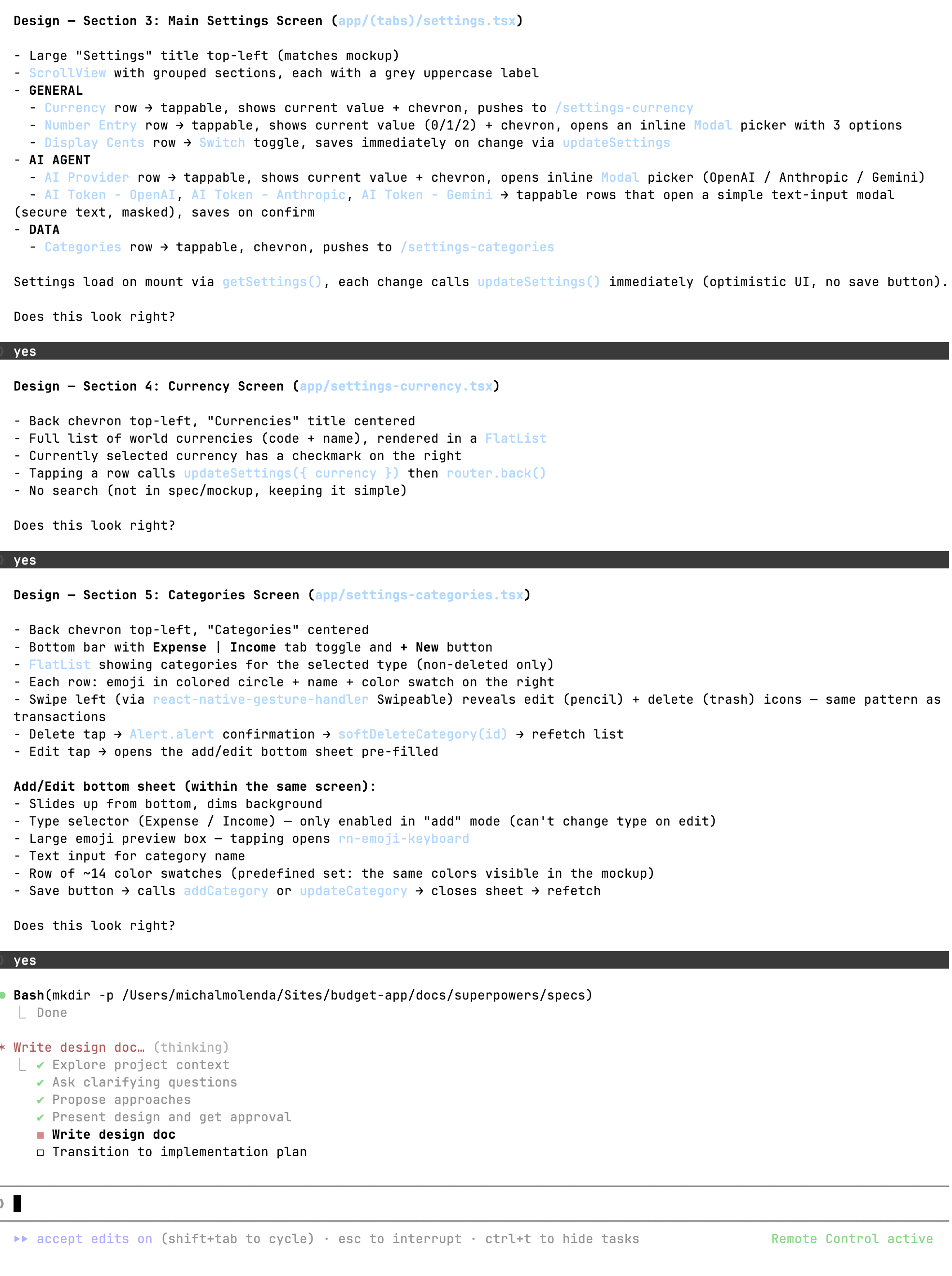
For the application itself, I chose React Native with Expo. Expo makes testing, building, and submitting apps much easier. I also automated the build process using Expo Workflows.
The database is powered by Supabase, and all AI communication goes through OpenRouter.
Here’s the interesting part:
I didn’t write a single line of code. Seriously.
Everything was vibe-coded. My role was mainly reviewing what the AI produced and guiding the direction of the product.
Claude Code performed exceptionally well. I also experimented with Codex, but in my experience Claude Code delivered better results. SuperPowers consumed a lot of tokens, but significantly improved both code quality and the overall product quality.
During the most active development period, Safify alone consumed around 850 million tokens in 30 days.
The Beginning
I didn’t start with code.
I started with a detailed specification.
I documented every feature, described every module, and collected screenshots from apps whose UI I liked.
The specification lives in a Markdown file inside the project repository and is continuously updated.
I mapped out every screen, every connection between screens, and the behavior of each feature.
Before implementing anything, I would select a section of the specification and ask ChatGPT to generate a detailed prompt for Claude Code based on it.
This workflow helped a lot.
Code Reviews in Vibe Coding
In addition to Claude Code’s built-in reviews, I used CodeRabbit connected to GitHub.
After completing a feature, I created a pull request and implemented CodeRabbit’s suggestions.
I also used React Native Doctor to improve the overall code quality of the project.
Wireframes and Planning
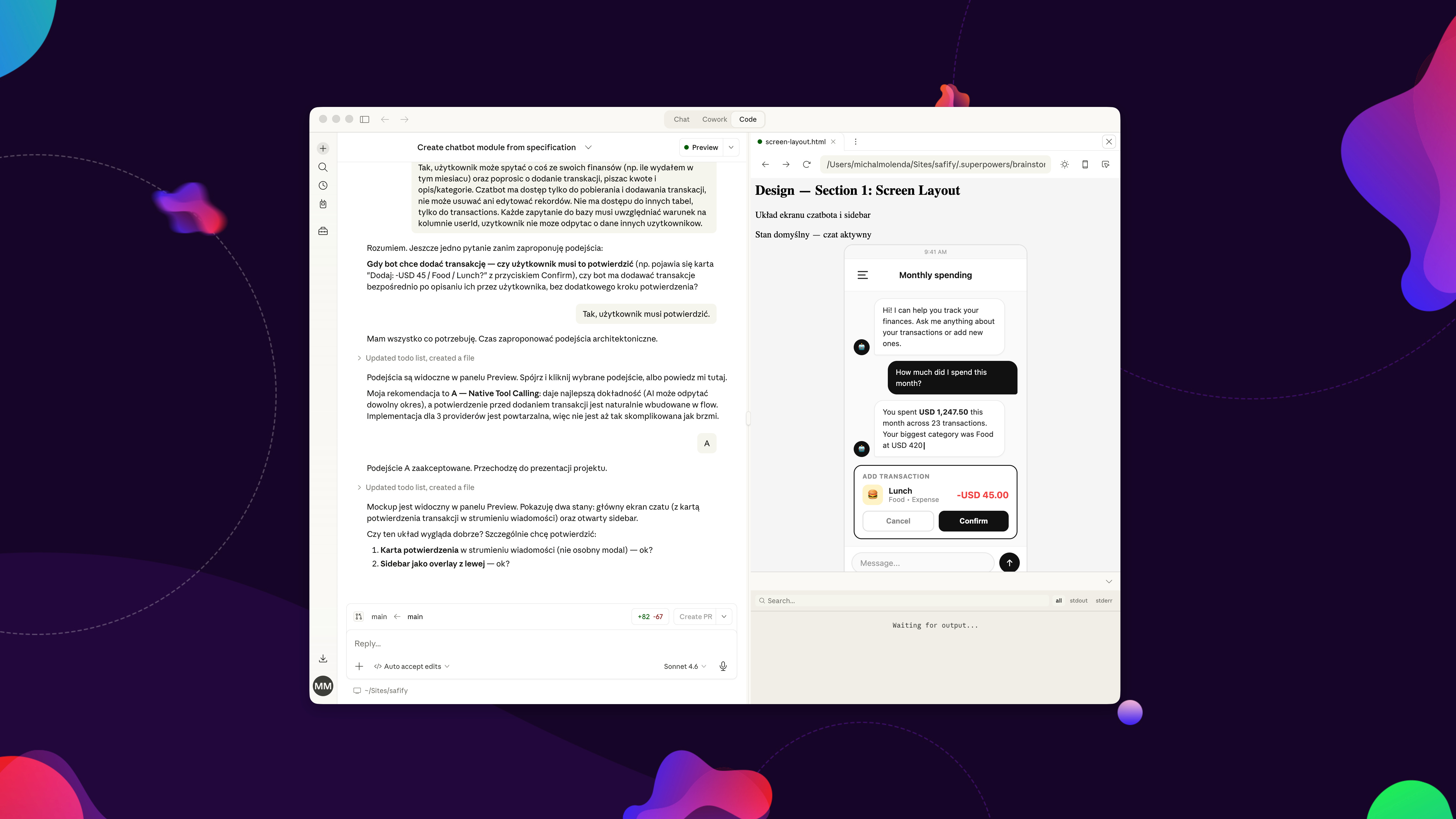
SuperPowers was surprisingly good at creating wireframes.
Whenever I started working on a new screen or feature, I first asked it to prepare:
A development plan
A to-do list
A wireframe
This allowed me to refine screens and user flows before any code was generated.
My Development Setup
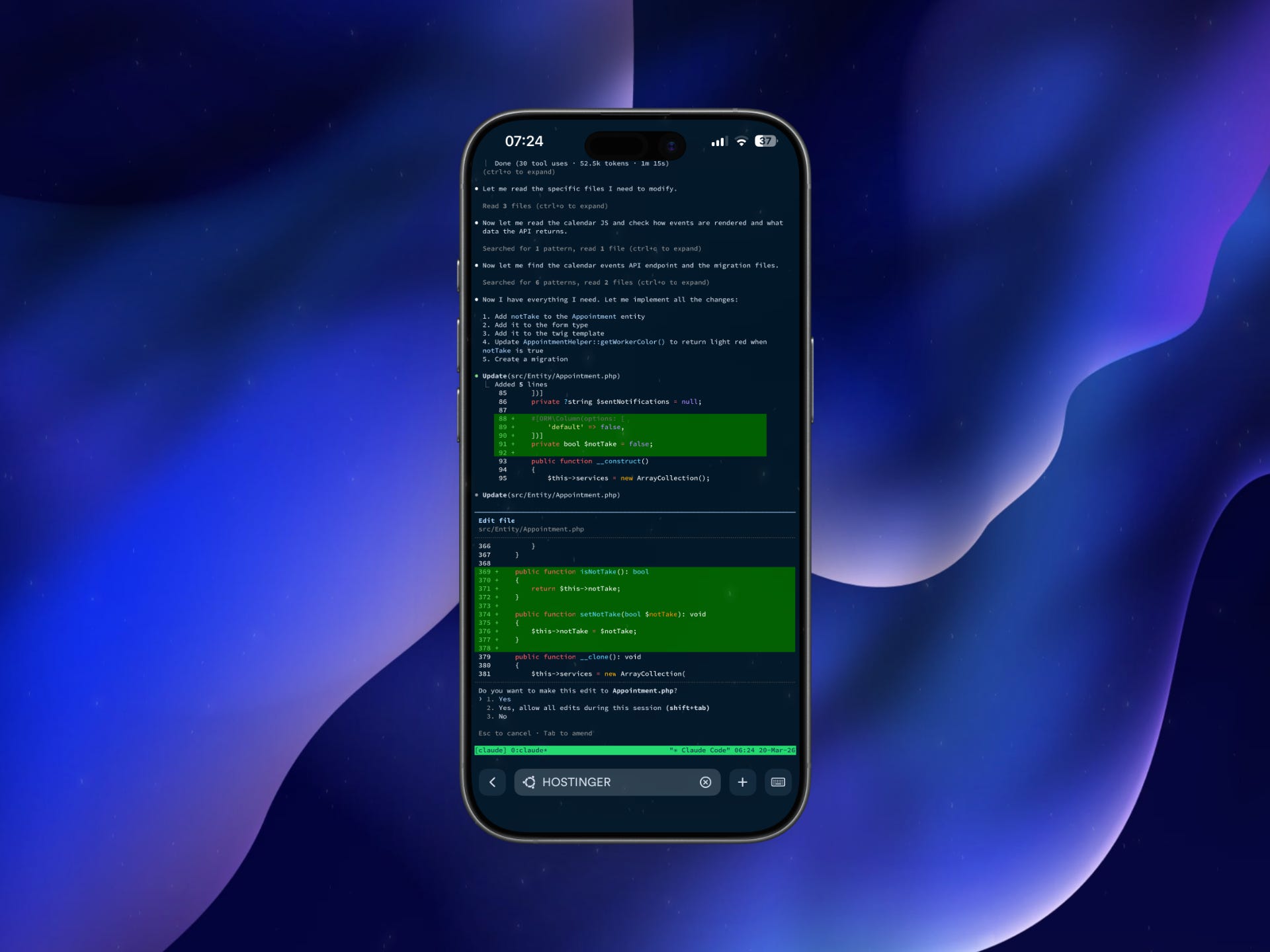
This is a side project, so I needed a way to work on it even when I wasn’t sitting at my computer.
I rented a small VPS from OVH, locked it down from public access, and cloned the project there. No web server, no Apache, just the source code.
I installed Claude Code and tmux so sessions could continue running even if my connection dropped.
Since I use a VPN with my own static IP, I configured the server to accept connections only from that address.
On my phone, I installed Termius, which provides a terminal on both desktop and mobile devices.
This setup allowed me to connect to the server from anywhere and continue building features.
When Claude Code finished a task, it created a pull request. Later, when I was back at my computer, I reviewed the code and tested the application.
This workflow made it incredibly easy to ship small improvements and fixes that came to mind while using the app on my phone.
Goals
As I mentioned earlier, I originally built spending tracker for myself.
But I also set a few personal goals:
1. Learn Startup Execution
I have a lot of experience building software and managing projects.
What I have less experience with is building and growing startups.
For this project, I want to spend roughly:
20% of my time on product development
80% of my time on marketing and user acquisition
2. Reach $1,000 MRR
My first milestone is simple:
$1,000 MRR within a few months.
We’ll see if I can make it happen 🏋️♂️
Marketing Strategy
While building the product, I also started preparing a marketing plan.
Initially, I want to focus on:
App Store Optimization (ASO)
My first priority is improving visibility in both the Apple App Store and Google Play Store.
I start working on ASO by translating the app descriptions and screenshots, then researching and selecting keywords for a dozen or so languages that I believe have the most growth potential.
An important tip! When choosing keywords for other languages, it’s worth spending the time to research keywords specifically for each market rather than simply translating them from your primary language. Users often search differently across countries and languages, so direct translations may miss valuable search traffic.
For App Store keyword research, I’ve found Astro to be a very useful tool. It helps identify relevant keywords and evaluate their potential much more effectively than relying on translations alone.
TikTok and Instagram
I plan to create short-form videos showing:
The benefits of tracking expenses
Behind-the-scenes startup development
Product updates and experiments
I've never used TikTok before, so I'm curious to see what kind of results it will bring 🙂
Influencer Partnerships
I’m interested in testing collaborations with creators in the productivity, finance, and startup spaces.
Building in Public on X
I’ll share everything publicly on my X profile (https://x.com/michalmolenda):
Product progress
Technical decisions
Marketing experiments
Wins and failures
To be honest, there will probably be more failures than wins at the beginning 😅
Communities
I want to participate in communities such as:
Reddit
Discord
Facebook groups
My goal is to genuinely help people who struggle with managing their finances.
Later on, I’d like to build a community around Safify as well.
Paid Advertising
I also want to experiment with ads on platforms like Google and X.
The goal isn’t just to get users, but to learn:
How to choose keywords
How to optimize campaigns
How to convert landing page visitors into active users
Content Marketing
Content won’t be my first priority, but I want to start as soon as possible.
I believe financial education and useful content can help people discover Safify not only through Google, but also through AI-powered search and LLMs.
Final Thoughts
If you found this story interesting, I’d love to hear your feedback, ideas, or criticism about Safify.
App Store: https://apps.apple.com/pl/app/ai-expense-budget-safify/id6764489596
Web: https://safify.app
Android: Cooming Soon
And if you’re curious how this journey unfolds, follow me on X:
I’ll be sharing everything along the way.